
How Core Web Vitals Problems Slowly Damage SEO Performance
Most websites do not suddenly become slow or lose rankings overnight. Core Web Vitals issues usually build up gradually after releases, scripts, and frontend updates quietly damage performance across the website over time.
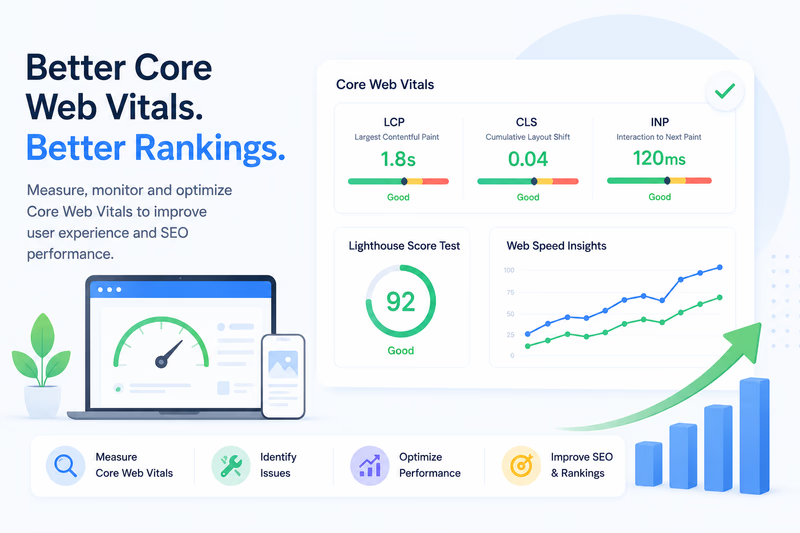
Most websites don’t suddenly go slow or lose rankings overnight. Core Web Vitals problems build up gradually: each release, script, and frontend update shaves off a little performance, and by the time rankings or conversions visibly drop, the underlying issues have usually been there for weeks or months. The reason they stay hidden is simple. Teams check the homepage, see a green Lighthouse score, and assume the whole site is fine.
Modern websites are far more complicated than that. An ecommerce site can hold thousands of product pages, category filters, localized URLs, search pages, and dynamically generated content. The homepage might score perfectly while deeper sections quietly struggle with Core Web Vitals issues nobody notices. That is why technical SEO has become so tied to real user experience. Performance is no longer just a developer concern; it shapes how users interact with a site and how search engines judge its technical quality.
Why Core Web Vitals matter for SEO
Google introduced Core Web Vitals to measure how a website actually feels to users. The three key metrics are:
- LCP (Largest Contentful Paint)
- CLS (Cumulative Layout Shift)
- INP (Interaction to Next Paint)
LCP measures how fast the main content appears. CLS measures visual stability while the page loads. INP measures how responsive the page feels during interaction. When these go unstable, users notice right away: buttons move while loading, pages feel sluggish on mobile, filters lag, or layouts shift just as someone tries to click. This is why Core Web Vitals SEO has become such a big part of modern optimization: the ranking impact is real, and Google increasingly rewards sites that stay stable and responsive, especially on mobile.
Why Lighthouse scores can be misleading
One of the biggest mistakes companies make is treating a single Lighthouse score as the state of the entire website. Most large sites run many page templates with completely different performance behavior. The homepage may do well while category pages, loaded with filters, tracking scripts, personalization tools, and third-party integrations, struggle badly.
This gets worse after releases. A small frontend update nudges JavaScript execution time up. A marketing tool injects extra scripts. A new plugin affects rendering stability. Individually these changes rarely look dramatic, but over time they erode LCP, CLS, and interaction performance across hundreds or thousands of URLs. That is why experienced SEO teams no longer rely on isolated web speed insights checks. They monitor performance continuously across large groups of pages.
Why measuring Core Web Vitals correctly is difficult
Many teams still measure Core Web Vitals by hand on a few pages. That approach breaks down once a site gets large. An ecommerce platform may contain:
- thousands of product pages
- dynamically generated category pages
- campaign landing pages
- filtered search URLs
- location-based content
- mobile-specific rendering variations
Each page type can behave differently, which is why scalable monitoring matters so much. To measure Core Web Vitals properly, modern SEO teams increasingly combine:
- recurring Lighthouse audits
- PageSpeed monitoring
- historical performance tracking
- regression detection after releases
- mobile and desktop comparisons
- ongoing technical SEO reviews
The goal isn’t a good score once. It is stable performance over time while the website keeps evolving.
Why performance problems usually build up slowly
Most websites don’t go slow overnight. Degradation is gradual. A tracking script gets added. A release changes rendering behavior. A third-party integration grows the JavaScript payload. A frontend component gets heavier after an update. None of it looks catastrophic on its own, but six months later the whole site feels slower. This kind of silent degradation is common wherever releases happen constantly, and by the time rankings or conversion rates visibly decline, the performance issues have usually existed far longer.