
How to measure Web Vitals on real users
Core Web Vitals are graded on real users, not on lab tests. If you ship changes based only on a Lighthouse score, you can easily miss what is actually happening in production. Field data (also called RUM, real user monitoring) shows the performance your visitors get on their own devices, networks, and locations, and it is the signal Google uses to rank your site.
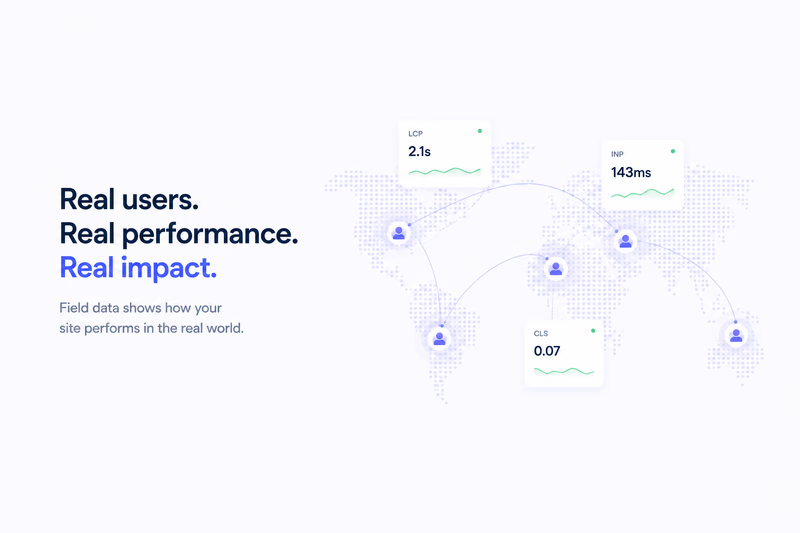
Core Web Vitals are graded on real users, not lab tests. To measure them the way Google does, you read field data (also called RUM, real user monitoring): the LCP, INP, and CLS your visitors actually get on their own devices, networks, and locations, assessed at the 75th percentile. Start with free CrUX data, then add your own RUM for finer detail. Here is how each piece fits together.
This article is part of our Core Web Vitals monitoring guide.
What field data captures
A synthetic test runs once, on one device, over a throttled network, with an empty cache. Field data is the opposite: measurements aggregated from thousands or millions of real visitors, each with different hardware, connection speed, location, and cache state.
It captures things a test cannot. When someone clicks and the page responds, that lag is INP (Interaction to Next Paint), and no scripted run predicts how real people interact with your page. A cold-cache Lighthouse run gives you a worst case for the first load, but a lot of your traffic is returning visitors on a warm cache, and you will not see them in a lab result. Geography matters too: a single data-center test says nothing about how the page feels in Tokyo or São Paulo, while field data segments by region if you look at it properly.
Where to find it
Start with the Chrome User Experience Report (CrUX). Google publishes it for sites with enough traffic, split by device type and effective connection. The field section at the top of a PageSpeed Insights report shows your real-user distribution for LCP, INP, and CLS. It is free and needs no code.
Your own RUM gives you finer control. The web-vitals JavaScript library is free, open source, and maintained by Google, and it measures LCP, INP, and CLS on real page loads.
Send each metric to your backend or a RUM vendor along with context: device type, connection, region, browser, page type. Over time the patterns show up. Maybe 4G mobile users miss the LCP threshold while desktop sails through, or one region runs slow because of CDN distance or a heavy third-party script.
Read the distribution, not the average
Field performance is a spread, and Google assesses it at the 75th percentile over a rolling 28-day window. If your median LCP is 2.0s but the 75th percentile is 3.5s, you are failing the good threshold of 2.5s. The slow tail is the part that counts, which is exactly why segmentation matters: an overall average can look healthy while one device class or network quietly drags the distribution down. A test cannot show you that. Field data can.
A field monitoring workflow
- Add the web-vitals library to your important pages.
- Send each metric to your backend or a RUM service with context attached: device, connection, region, browser, page type.
- Put dashboards or alerts on the 75th percentile of each metric, per segment.
- After a deploy, watch those segments. Did mobile LCP improve? Did INP get worse in one region? A single lab run cannot answer that.
- When a segment keeps failing a threshold, use it to aim your work: reproduce it with a Lighthouse run on a slow 4G device, fix it, then check the field again in a few hours to confirm the change helped.
The loop is continuous. Measure, find the pattern, optimize, measure again. A test is a snapshot; field data is the live signal.
The signal that actually ranks
Google ranks on Core Web Vitals field data, not on your Lighthouse score. The score is a diagnostic, useful for telling you what might be slow and why. A great score does not buy you ranking if real users are struggling, and good field numbers mean you are fine for ranking even if a lab run looks mediocre (though a bad lab run is still worth investigating). Measure where it counts. The field is the source of truth.